Database and DBMS
What you'll learn
- tell a database (an organized store) apart from a — the program that runs SQL queries and manages the data
- explain the path a query takes, "SQL → DBMS → result," and why a pile of Excel files can’t survive thousands of simultaneous users
- list what a DBMS gives you beyond "just files": , a recovery log (), access control (
GRANT), and integrity checks
Chapter 1 — "The map of the archive"
The Kotomarket is no longer a signal from a dead sector — it sits in a quarantine bay aboard Vault-9, and beneath the last line of its there’s still that same signature: "K." This morning a fresh entry flashes across your holopanel: "Clearance granted: the archive index. Issued by: module S.Q.L." The vault door slides aside; behind it, server racks hum steadily in an amber glow.
QUERY: Before you read someone else’s memory, understand how it’s built. Let’s start with the basics: what here is the store, and who is the keeper.
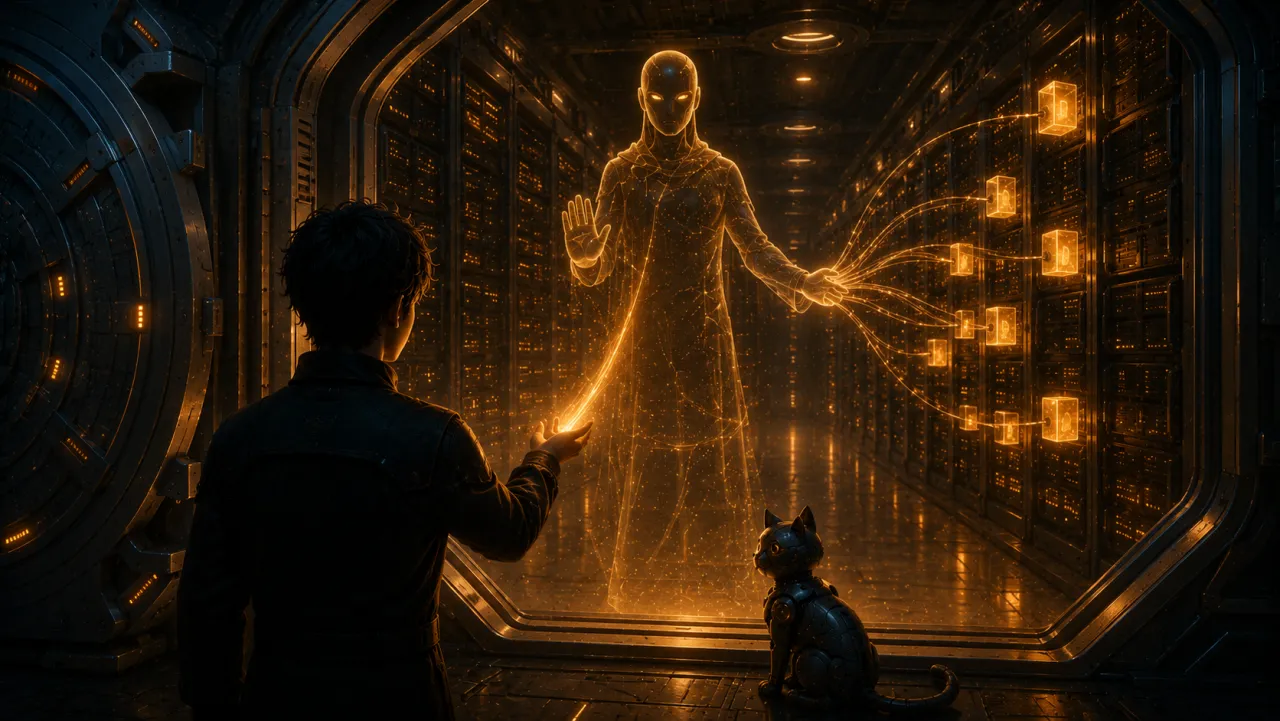
Database and DBMS
A database is an organized store. The Kotomarket holds buyers, products, orders, and events — not scattered across files, but in a clear structure. That’s exactly why it can still be read a hundred and sixty years later.
But the store itself doesn’t answer questions. You need a program that can create tables, record new orders, read data, and make sure the links never break. That’s a (database management system). Examples: PostgreSQL, MySQL, ClickHouse. Our snapshot is a PostgreSQL database, and it still speaks the same SQL it did when the shop was alive.
You write a query in SQL → send it to the DBMS → the DBMS fetches the data you asked for and returns the result. Excel is fine for a personal spreadsheet, but not for a shop where thousands of users browse products, place orders, and leave events in the system all at once.
What a DBMS can do that "just files" can’t
It feels like the shop could get by without a : just write orders into a CSV or Excel. At the scale of a personal notebook, people do exactly that — until the kinds of problems show up that the DBMS was invented to solve in the first place.
- Concurrent access. In the living Kotomarket, buyers placed orders at the same time. Two processes writing to one file overwrite each other’s changes; a DBMS executes changes as and untangles the parallel operations itself. PostgreSQL does this through : readers don’t block writers, and writers don’t block readers.
- Crash recovery. The power flickers mid-write — the file is corrupted, and there’s no telling which half of the order made it to disk. A DBMS first records the change in a log (in PostgreSQL, the — write-ahead log) and replays it after a crash: the order is either written in full or not written at all.
- Access control. A file is open either entirely or not at all. In a DBMS, permissions are granular — down to a single table:
-- The analyst gets read-only access to orders, with no right to change them
GRANT SELECT ON orders TO analyst;
- Integrity. A DBMS won’t accept an order with a price that’s text, or a reference to a buyer who doesn’t exist: column types and are checked on every write. A file couldn’t care less what’s inside it.
- Declarative questions. "Show me orders over 5000" is a single line of SQL. With a file, the same job falls to a program someone has to write — and get right.
A is the working go-between between you and your data: it accepts SQL queries, runs them, and keeps the database from sliding into chaos. In this course we learn on PostgreSQL — it’s frequently expected in analytics and backend roles. You’ve met the keeper now. But before opening the index of our , QUERY walks you over to the next section: the registry of other archives from old Earth — so you’ll understand why ours, and only ours, survived intact.
Interview question
Interview question: what’s the difference between a database and a ? Why shouldn’t an application just store its data in files?
Strong answer: a database is the organized data; a DBMS is the program that manages it (PostgreSQL, MySQL, ClickHouse). Files give you no concurrent access (parallel writes overwrite each other), no crash recovery (a DBMS keeps a log and replays unfinished changes), no granular permissions, and no integrity checks. Most importantly, a DBMS answers declarative SQL queries, whereas a file would have to be parsed by code you write yourself.