What Kafka Is and Where It's Used
07:30. One feed, many destinations
November 2, 2184. The curator has left with his question, and the answer exists only in the feed. The feed is already running: at 04:40, you switched twelve antennas to receive mode, and every frame has been landing on the racks in the dispatch room. The first request is waiting on the console: the reading room wants to connect to the feed. It needs every frame as soon as it arrives, not the next morning.
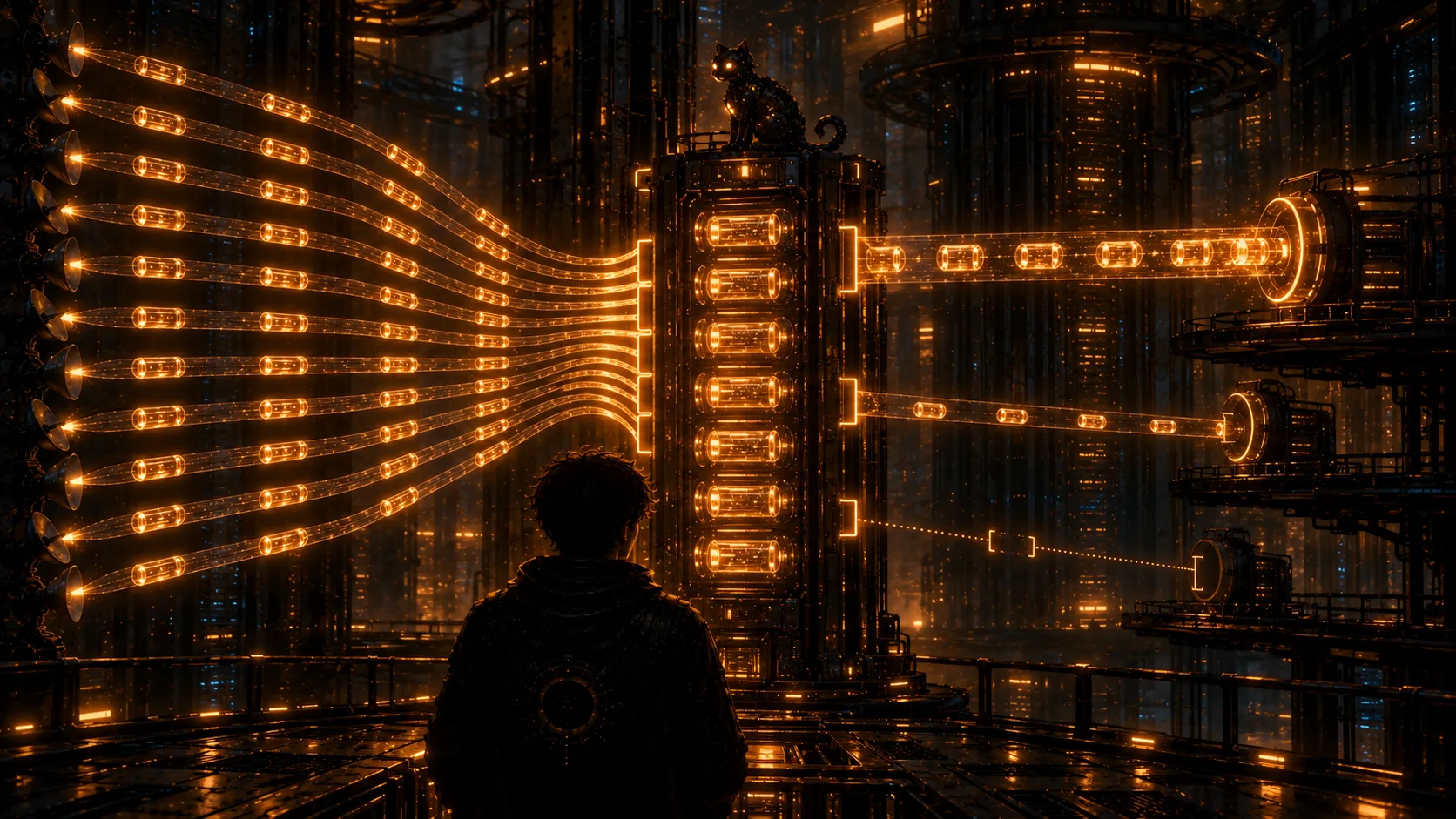
Before connecting it, you open the dispatch room's original plans. There are two sheets. The first shows how things worked before the dispatch room existed: a wire runs from every antenna to every level of the station. Twelve antennas, three levels — thirty-six wires. A slow level keeps an antenna waiting until it accepts the frame. The second sheet has no wires at all from the antennas to the levels. The antennas write to one place: the racks. The reading room, the intake level, and the engine deck all read from those same racks, independently and at their own pace. If one stops, the others don't notice. Connect a new one, and the antennas don't even know it happened.
The software that runs these racks is called Kafka. Today you'll connect its first downstream system. First, you'll see how Kafka is organized.
QUERY: Thirty-six wires on the first sheet. None on the second. I like the second one better.
What is Kafka?
Kafka is software that accepts messages from other programs, stores them on disk in order, and makes them available to as many other programs as need them, each reading at its own pace.
The two sheets in the plans show why Kafka is useful. When there are only a few systems, you can connect them directly: an order service sends every order to the warehouse, delivery service, and accounting system itself. Each new system adds more connections, and a slow receiver can hold up the sender. Kafka sits in the middle: the sender writes once, while receivers read independently without getting in one another's way. Kafka was created at LinkedIn for this kind of problem, then donated to the Apache Foundation. Today it is the open-source project Apache Kafka.
Here's how it works:
- A producer is a program that sends messages to Kafka. On the station, the antennas are producers. A message is one piece of data: a key, a value, and a timestamp. On the station, a message from the feed is called a frame.
- Messages go into a topic — a log for one kind of data. The feed is the topic
signal_raw. New messages are appended to the end, and reading them doesn't delete them. - A topic is split into partitions — separate logs that can be written to and read in parallel. A message's position within a partition is its offset: 0, 1, 2… Each partition has its own sequence of offsets.
- Partitions are stored on brokers — Kafka servers. Several brokers together form a cluster. The dispatch room has three brokers: its three racks.
- A consumer is a program that reads messages from a topic. Consumers join a consumer group: the group reads the entire topic, while its consumers divide the partitions among themselves.
The diagram below shows all of these parts together, using the numbers from the lesson's first program.
signal_raw topic with three partitions. A producer sends two messages from each of three antennas, and two consumer groups read them: reading_room — the reading room, and duty — your duty check. Then three more messages arrive, and only the reading room reads them. Pay attention to the partition numbers and offsets.What the program showed
Every message got a partition and an offset. The key determined the partition: every message from antenna s01 went to partition 2, s02 to partition 0, and s11 to partition 1. Each partition has its own offsets: every partition contains a message at offset 0 and another at offset 1. A later lesson in this chapter explains how a key selects a partition and why ordering is guaranteed only within a partition.
Two groups read the same messages. Both reading_room and duty received all six messages. Each group reads the whole topic independently. After both groups had read them, the topic still contained the same number of messages. Reading doesn't delete anything: messages remain until the topic's period expires.
Each group has its own offset. After reading, a group makes a commit — it stores in Kafka how far it has read. The stored value is the offset of the next message the group will read. reading_room read all three messages in every partition, so its offsets are 3, 3, 3. duty hasn't read the new messages yet, so its offsets are 2, 2, 2. Restart its program, and it will continue from exactly those offsets.
The number of messages a group hasn't read yet is called consumer lag: the end of the partition minus the group's offset. duty has a lag of 3 — one message in each partition — while reading_room has a lag of 0. Lag is one of the first metrics to check when you want to know whether processing is keeping up.
This is a key difference between Kafka and a regular queue. In a queue, once a receiver takes a message, the message is gone. In Kafka, it stays in the log, and any number of groups can read it independently. You can connect a new system later and let it read the history. The next lesson covers when a queue is the better choice.
Where Kafka is used
Kafka is useful when the same event needs to reach several systems, or when the event volume is too high for a regular database to handle comfortably:
| task | what goes into Kafka | who reads it |
|---|---|---|
| user activity | clicks, views, searches | analytics, recommendations, fraud detection |
| events exchanged between services | “order paid,” “item shipped” | warehouse, delivery, accounting, notifications |
| database changes | every row insert and update — that's CDC, chapter 7 | , search, cache |
| server logs and metrics | log lines, measurements | monitoring and alerts |
| telemetry | sensor readings, vehicle coordinates | dispatch systems, route calculation |
| stream processing | event stream | a program that computes a result immediately — chapter 6 |
The station follows the same pattern. The antennas are event sources, the feed is the stream, and the reading room, the intake level, and the engine deck are systems that need that stream, each in its own form.
What's not in this course
Everything you do in this course runs right here in the browser on the teaching Kafka. The course stops where a browser can't realistically reproduce the real system:
- Kafka Streams, Flink, ksqlDB — ready-made stream-processing tools that require the JVM. The course explains how they differ and when to choose each one, but you won't write code for them;
- a live cluster — installing brokers, working with disks and networks, and configuring servers;
- a second data center — we'll examine how a copy of a topic works in a neighboring cluster, but we won't run the replication service itself;
- cloud services — Confluent Cloud, Amazon MSK, and similar products.
Everything else — logs and partitions, groups and offsets, delivery guarantees, message schemas, stream processing, database integration, and operations — you'll work with directly.
What's real in this lesson, and what's simplified for learning
The teaching Kafka lives in this browser tab: there is no network or real server, and everything runs in one process. The rules are real: how messages are assigned to partitions, how offsets are counted, and where consumer group commits are stored. The calls send, poll, commit, and flush use the same names as kafka-python, but their behavior doesn't match in every detail. Here, poll returns a simple list of messages, while kafka-python returns a dictionary of “partition → list of messages.”
There's one more difference: where a new group starts by default. The teaching Kafka starts it at the beginning of the topic, while real clients start at the end. Without auto_offset_reset='earliest', a new group sees only messages that arrive after it connects. That's why the first program sets this option explicitly. You'll see it again later in the course.
Interview question
How this comes up in interviews
The first question is almost always the same: “What is Kafka?” Calling it “a message queue” is incomplete. A better answer is: a distributed event log. Producers write to topics, topics are split into partitions, and those partitions are stored on brokers and replicated between them. Consumers read in groups, and each group stores its own offsets. Reading therefore doesn't remove messages, and they can be read again.
The second question is: “How is Kafka different from RabbitMQ?” In short, a queue broker delivers a message to a receiver and forgets it after acknowledgement, while Kafka keeps a log that any number of groups can read independently. The next lesson compares them in detail.
The third question is: “Where does Kafka guarantee ordering?” Only within a partition. Messages with the same key always go to the same partition, so their order is preserved.
The English terms are: producer, consumer, consumer group, topic, partition, offset, broker, cluster, commit, consumer lag.
orders topic, each in its own consumer group. The warehouse has read all the messages and committed its offset. Accounting connects later and starts at the beginning of the topic. What will it receive?Key takeaways
| term | what it is | on the station |
|---|---|---|
| producer | a program that sends messages to a topic | antennas |
| topic | a log for one kind of data: messages are appended to the end, and reading doesn't delete them | signal_raw — the feed |
| partition and offset | part of a topic and a message's position within it; each partition has its own offsets | three partitions of signal_raw |
| broker | a Kafka server that stores partitions | the dispatch room's three racks |
| consumer group | consumers under one group identity; the group reads the whole topic | reading_room, duty |
| commit and lag | save how far the group has read; how much it still has left to read | duty has offsets 2, 2, 2 and a lag of 3 |
Kafka sits in the middle: producers write once, each group reads independently at its own pace, and the messages remain in the log after they are read.
QUERY: There used to be thirty-six wires. Now there are racks — and anyone can connect without asking anyone else.