Kafka and Alternatives: When You Don't Need Kafka
09:20. Six messages a day
November 2, 2184. The dispatch room on Vault-9's comms level. The rack hums, and the feed is running smoothly. An idea hits you: now that the feed works, why not send everything through it? Even a notification that says, “The darkroom is out of film.” There are six of those notifications a day.
Without opening his eyes, QUERY pulls up the previous shift's log on the panel. There used to be a topic for exactly this — film_out, six messages a day.
Five years ago, on March 14, its consumer — the program that picked up notifications and called people — crashed at 02:10. Nobody noticed until 06:30, when the curator arrived and found the darkroom idle. For four hours and twenty minutes, no one knew anything was wrong.
Why didn't anyone notice? They checked whether the consumer was alive using a single number: consumer lag, the number of messages it still had to read. On a topic that gets six messages a day, a dead consumer can look exactly like a healthy one: lag is zero. No messages arrived overnight, and the first one wasn't expected until noon. The monitor stayed quiet because there was nothing for it to raise an alert about.
QUERY: I remember the names of topics that no longer exist. This one wasn't shut down because of Kafka.
QUERY won't say why the entire level was shut down: “Ask me when you lose a confirmed record for the first time.” Today's question is different — does a film notification need Kafka at all?
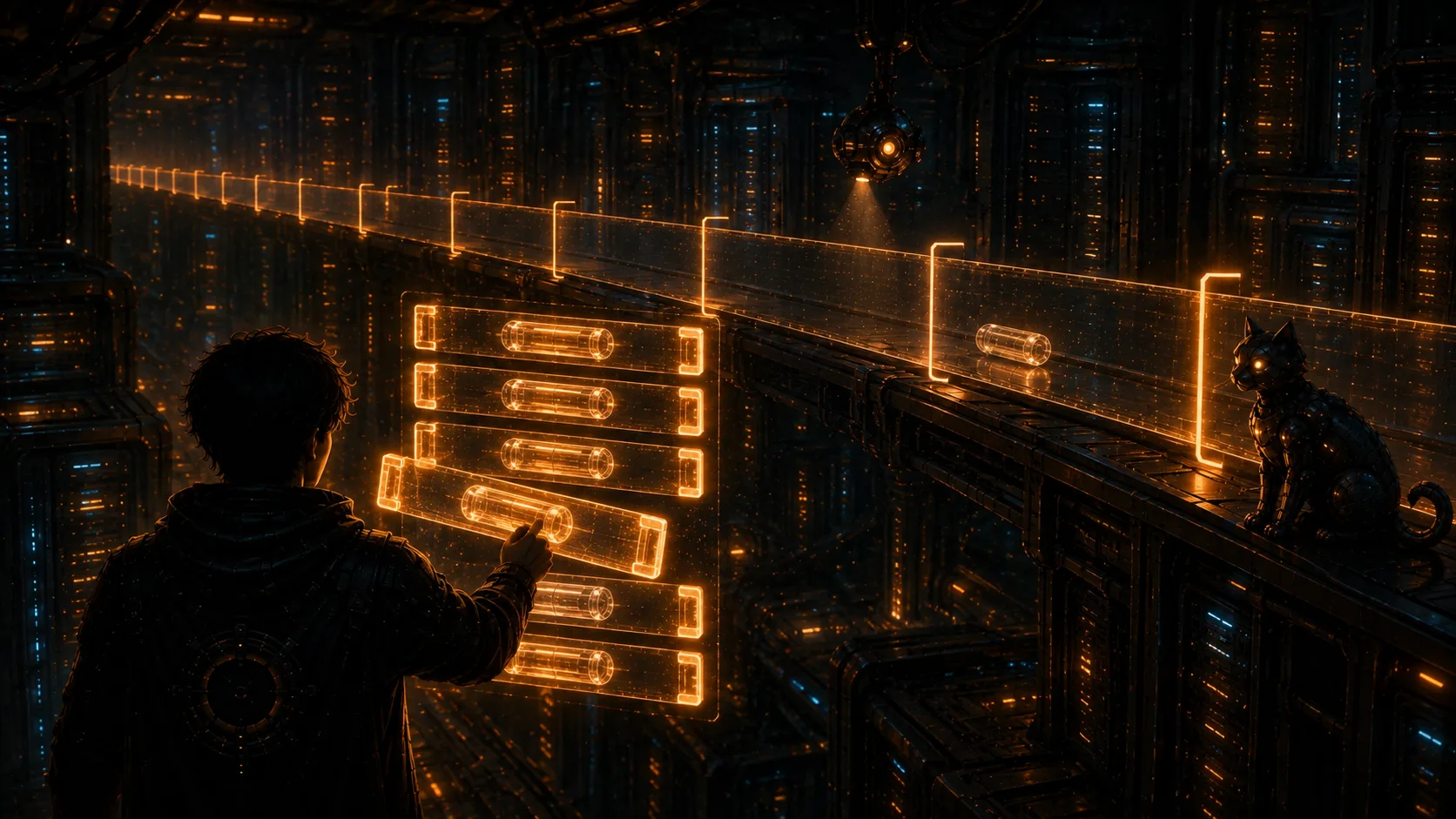
A queue is one table and one query
There are three jobs on the screen, and nothing else was needed: no separate system, no network, no configuration. If you already have a database, you can build the queue there too. A second worker running the same query will get the next three available jobs rather than these three, because it skips the locked rows.
Where does this kind of table start to break down? At high throughput. Every claimed job means a database write, later cleans up completed rows, and at tens of thousands of messages per second the database ends up working just to serve one queue. It also falls short when the same message must go to a hundred recipients: one row is claimed by one worker. That's where queue brokers such as RabbitMQ and similar systems come in. A queue broker holds a message until a recipient acknowledges it; if no acknowledgement arrives, the broker can give the message to someone else. Once the message is acknowledged, it disappears from the broker.
Don't confuse this with a Kafka broker. In Kafka, a broker is one machine in the cluster, storing logs on its disk. From here on, we'll call RabbitMQ and similar systems by the two-word term “queue broker.”
What a log fundamentally can't do
A common requirement for a queue is to retry ONE failed message. A log cannot represent that directly. A consumer doesn't remember a list of messages it has completed; it remembers one offset per partition, marking how far it has read. One number cannot say, “Everything through message eight is done except message four.” So if a processor fails on the fourth of eight messages, there are three options, and each has a cost:
- backward — move the position back: message four is processed again, but messages five through eight have to wait, so the partition stalls;
- forward — move the position ahead: the group skips message four forever — it remains in the log, but this group won't return to it;
- sideways — move message four somewhere else and continue: seven of eight are done, and one is waiting for a person.
Three questions for choosing
Now you know the trade-offs of both models. Three questions help you choose:
| question | if the answer is | what we choose | what it costs us |
|---|---|---|---|
| how many systems receive one event? | one | a queue table or queue broker | you can't reread the history |
| do individual messages need to be retried? | yes | a queue, not a log | ordering is not preserved |
| how much data is there, and how quickly do you need an answer? | little, and minutes don't matter | a queue table in your own database | growth will eventually hit the database limit |
film_out | one system, one-by-one retries, 6 a day | queue table | nothing: the database already exists |
For the film notifications, the answer is straightforward: use one table in the database you already have. Kafka was unnecessary there, which is why its dead consumer could hide behind a perfectly valid zero.
Now ask the same questions about our feed
First, one term. We'll call the systems that receive the feed downstream systems. Today, the reading room is one of them; by the end of the watch, there will be six. Don't confuse a downstream system with a consumer: a consumer is a program that reads a topic, while a downstream system uses the result.
Ask the same three questions, and this time the answer is the opposite:
- one message from the feed goes to many downstream systems, each moving at its own pace;
- we don't need one-by-one retries: if a message can't be processed, we move it aside and let the feed continue;
- there's a lot of data, and it arrives continuously: a queue table in the database would choke on this stream. The reading room's answer shelf life is 30 seconds. Yesterday's belt produced a worst answer age of 30 h 12 min, an hourly run would produce 64 minutes, and the stream produces 1.2 seconds — those are the numbers from the cell in “Batch Report or Stream: How Long Until You Have an Answer,” and you printed them yourself.
A queue table is also missing something we need here: data read from a log does not disappear. You can read it again, and you can build a directory from the same log. That's what “A Topic Is a Log: Segments and Retention” and “Log Compaction: Keep the Latest Value per Key” cover. Here, Kafka fits the job, and the numbers show why.
One note for later: in Kafka 4, some queue-style scenarios are handled differently from what you've seen in this lesson (we cover that in detail in “Share Groups: Kafka as a Queue” in the “Advanced” track).
What's real in this lesson and what isn't
The query with FOR UPDATE SKIP LOCKED is real PostgreSQL. But we can't run two workers at the same time in one cell, so you don't see them racing for rows — you only see the query pattern and its result. PostgreSQL guarantees that the second worker will get three different jobs; we describe that behavior here, but don't demonstrate it.
The three outcomes for a failed message are shown in a diagram rather than a live run because they follow directly from having one position per partition in the group. The Kafka 4 mode mentioned above doesn't run here either — the training Kafka environment demonstrates it in “Share Groups: Kafka as a Queue” in the “Advanced” track.
Interview question
How this comes up in interviews
The most common question is: “Kafka or RabbitMQ?” The worst answer is “Kafka is faster.” It shows that the candidate doesn't understand how the two models differ.
A good answer starts with two questions of your own: how many different destination systems need the same event, and do individual messages need to be retried? If many destinations need the event, each at its own pace, and the history must be readable again, choose Kafka. If there is one worker and you need one-by-one retries, priorities, or delayed delivery, choose a queue broker (message broker: RabbitMQ, ActiveMQ, NATS JetStream).
The second question is: “When would you skip a queue broker entirely?” The expected answer is a queue table in the database you already have, along with an honest estimate of how much load it can handle. The industry pattern is SELECT … FOR UPDATE SKIP LOCKED; the table itself is a queue table.
A third question has appeared more recently: “Did Kafka 4 change anything?” Yes. Kafka itself can now handle some queue-style scenarios. Saying “Kafka isn't a queue, period” is no longer a complete answer (we cover this in detail in “Share Groups: Kafka as a Queue” in the “Advanced” track).
Key takeaways
| task | what we choose | why |
|---|---|---|
| darkroom notifications, 6 a day | a queue table in our own database | one recipient, one-by-one retries |
| the feed from twelve antennas | Kafka | many downstream systems, each at its own pace, answer needed within 30 s |
A queue can be one table and one query: FOR UPDATE SKIP LOCKED claims available rows and skips locked ones. A queue broker can retry messages one by one; a log cannot, because the group has one position per partition. Kafka fits when an event has many downstream systems and its history needs to be read again.
QUERY: Leave the film to the database. The feed belongs to us. Tonight we'll see where it actually lives.
UPDATE dsp_queue
SET status = 'processing',
    claimed_by = 'w1',
    claimed_at = TIMESTAMP '2184-11-02 09:20:00'
WHERE job_id IN (
    SELECT job_id
    FROM dsp_queue
    WHERE status = 'ready'
    ORDER BY created_at
    FOR UPDATE SKIP LOCKED
    LIMIT 3
)
RETURNING job_id, payload, created_at;