What Kafka is and where it is used
O que você vai aprender
- to explain why Kafka is needed: one event is needed by many systems, and each reads it at its own pace
- to name the parts of Kafka and what each does: producer, topic, partition, offset, broker, consumer, consumer group
- to run your first program: send messages, read them with two groups — and see that reading erases nothing
07:30. One feed, many recipients
2 November 2184. The curator has left with his question, and the answer exists only in the feed. The feed is already running: at 04:40 you switched twelve antennas to receive, and every frame lands on the dispatch room's racks. The first request is on the console: the reading room asks to be connected to the feed. It needs every frame — and right away, not the next morning.
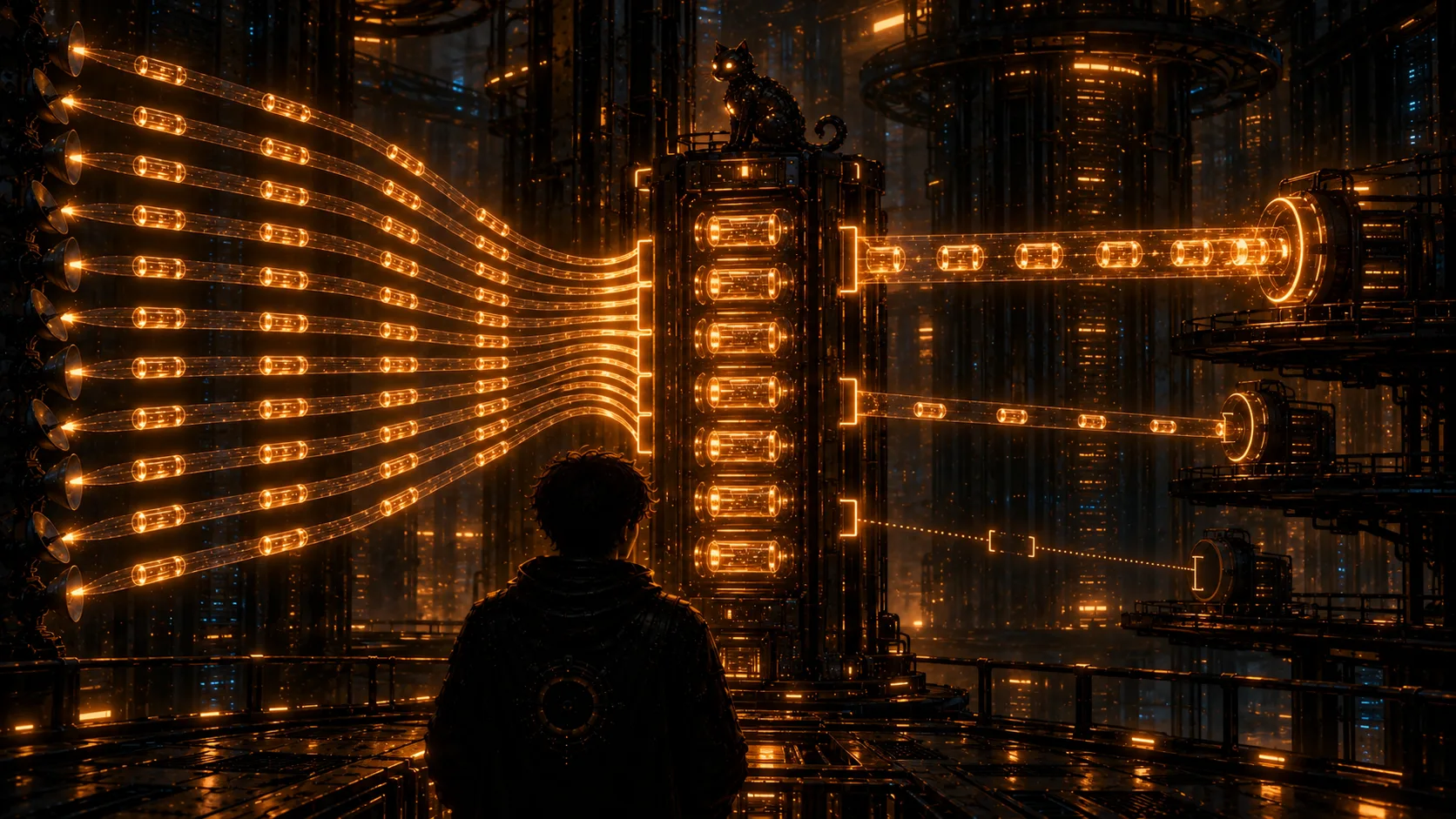
Before connecting anyone, you open the dispatch room's passport — the drawing it was once built from. It has two sheets. The first shows how things were before it: a wire runs from every antenna to every level of the station. Twelve antennas, three levels — thirty-six wires, and a slow level holds an antenna up until it takes the frame. On the second sheet there is not a single wire from an antenna to a level. The antennas write to one place — the racks. The levels — the reading room, the intake level, the engine deck — read from there, each on its own and at its own pace. One stops — the others do not notice. A new one is connected — the antennas never even find out.
The program that runs these racks is called Kafka. Today you will connect its first recipient, but first you will figure out how it works.
QUERY: Thirty-six wires on the first sheet. None on the second. I like the second one better.
What Kafka is
Kafka is a program that takes messages from some programs, stores them on disk in order and hands them to others — as many as need them, each at its own pace.
Why it was needed is clear from the passport's two sheets. While there are few systems, they are connected directly: the order service itself sends every order to the warehouse, delivery and accounting. Every new system adds more wires, and a slow recipient holds the sender back. Kafka stands in the middle: the sender writes once, the recipients read on their own and do not get in each other's way. It was invented at LinkedIn for exactly this problem, then handed to the Apache foundation, and today it is an open project — Apache Kafka.
This is how it works:
- A producer is a program that sends messages to Kafka. Our producers are the antennas. A message is one portion of data: a key, a value and a time. On the station a message of the feed is called a frame.
- Messages land in a topic — a log for one subject. The feed is the topic
signal_raw. A topic is only ever appended to at the end, and what has been read is not erased. - A topic is cut into partitions — several logs that are written and read in parallel. A message's number inside a partition is called its offset: 0, 1, 2… Every partition keeps its own count.
- Partitions are stored on brokers — Kafka servers. Several brokers together make a cluster. The dispatch room's brokers are its racks, and there are three of them.
- Reading is done by a consumer — a program that takes messages from a topic. Consumers join a consumer group: the group reads the whole topic and splits the partitions among its consumers.
The picture below shows all of this at once, with the numbers from the lesson's first program.
signal_raw with three partitions, a producer sends it two messages from each of three antennas, and two consumer groups read: reading_room is the reading room, duty is your own duty check. Then three more messages arrive, and only the reading room reads them. Watch the partition and offset numbers.What the program showed
Every message got a partition and an offset. The key chose the partition: all messages from antenna s01 landed in partition 2, s02 in partition 0, s11 in partition 1. Each partition has its own offsets: every one has a message at offset 0 and at offset 1. How the key picks a partition, and why order exists only inside one, is a separate lesson in this chapter.
Two groups read the same thing. Both reading_room and duty got all six messages: every group reads the whole topic, on its own. And the topic still holds as many messages after reading as before. Reading erases nothing: messages stay until the topic's runs out.
Every group has its own offset. Having read, a group makes a commit — it saves in Kafka how far it has read. What is saved is the offset of the next message the group will read. reading_room has read all three messages of every partition, so its offsets are 3, 3, 3. duty has not read the new messages yet, so its offsets are 2, 2, 2. Restart its program — it will continue from exactly these offsets.
How many messages a group has not read yet is called lag (consumer lag): the end of the partition minus the group's offset. duty has a lag of 3 — one message in each partition — and reading_room has 0. Lag is the first thing people watch to see whether processing keeps up.
This is what sets Kafka apart from an ordinary queue. In a queue, once a recipient takes a message, it is gone. In Kafka the message stays in the log, and any number of groups read it independently: a new system can be connected later and still read the history. When you do need a queue rather than Kafka is the next lesson.
Where Kafka is used
Wherever one event is needed by several systems at once, or wherever there are so many events that an ordinary database cannot cope:
| task | what goes into Kafka | who reads it |
|---|---|---|
| user actions | clicks, views, searches | analytics, recommendations, fraud detection |
| events between services | “order paid”, “item shipped” | warehouse, delivery, accounting, notifications |
| database changes | every insert and update of a row — that is CDC, chapter 7 | the warehouse, search, cache |
| server logs and metrics | log lines, measurements | monitoring and alarms |
| telemetry | sensor readings, vehicle positions | dispatch, route planning |
| processing on the fly | a stream of events | a program that computes the answer right away — chapter 6 |
The station works the same way. The antennas are the event sources, the feed is the stream, and the reading room, the intake level and the engine deck are the systems that need that stream, each in its own form.
What the course does not cover
Everything you do in the course runs right here, in the browser, on the training Kafka. So the course's boundary lies where a browser cannot honestly cope:
- Kafka Streams, Flink, ksqlDB — ready-made stream processing tools; they need a JVM. The course explains how they differ and when to pick which, but you do not write their code;
- a live cluster — installing brokers, disks, network and server tuning;
- a second data centre — a copy of a topic in a neighbouring cluster is covered as a mechanism, but the replication service itself is not run;
- cloud services — Confluent Cloud, Amazon MSK and the like.
Everything else — the log and partitions, groups and offsets, delivery guarantees, message schemas, stream processing, integration with databases and operations — you run with your own hands.
What in this lesson is real and what is simulated
The training Kafka lives in this browser tab: no network and no real servers, everything in one process. What is real in it are the rules: how messages are spread across partitions, how offsets are counted and where group commits are kept. The calls send, poll, commit and flush are named as in the kafka-python client, but they do not match in everything: poll here returns a plain list of messages, while kafka-python returns a dictionary “partition → list of messages”.
Another difference is the default for a new group. The training Kafka starts it from the beginning of the topic, while real clients start from the end: without auto_offset_reset='earliest' a new group sees only what arrived after it connected. That is why the first program sets it explicitly. This setting will come up again in the course.
Interview question
How this comes up in interviews
The first question is almost always the same: “What is Kafka?” The answer “a message queue” is incomplete. A good answer: a distributed log of events. Producers write to topics, a topic is split into partitions, partitions live on brokers and are copied between them. Consumers read in groups, every group keeps its own offsets, so what has been read does not disappear and can be read again.
The second question: “How is Kafka different from RabbitMQ?” In short: a queue broker hands a message to a recipient and forgets it once it is acknowledged, while Kafka keeps a log, and any number of groups read it independently. The full comparison is in the next lesson.
The third: “Where does Kafka guarantee order?” Only inside a partition. Messages with the same key always land in the same partition, so order per key is preserved.
The English names: producer, consumer, consumer group, topic, partition, offset, broker, cluster, commit, consumer lag.
orders, each in its own consumer group. The warehouse has read every message and made a commit. Accounting connects later and starts from the beginning of the topic. What does it get?Principais pontos
| word | what it is | at the station |
|---|---|---|
| producer | a program that sends messages to a topic | the antennas |
| topic | a log for one subject: appended at the end, nothing read is erased | signal_raw — the feed |
| partition and offset | a piece of a topic and a message's number in it; every partition keeps its own count | the three partitions of signal_raw |
| broker | a Kafka server that stores partitions | the dispatch room's racks, three of them |
| consumer group | consumers under one name; the group reads the whole topic | reading_room, duty |
| commit and lag | saving how far a group has read; how much it still has to read | duty has offsets 2, 2, 2 and a lag of 3 |
Kafka stands in the middle: producers write once, every group reads on its own and at its own pace, and what has been read stays in the log.
QUERY: There were thirty-six wires. Now there are racks — and anyone can connect without asking anyone.